


Attendo (formerly Petpooja Payroll) Features: Attendance & Salary
Every feature in Attendo, what it does on a working day, and the statutory deductions it handles without a separate compliance tool.
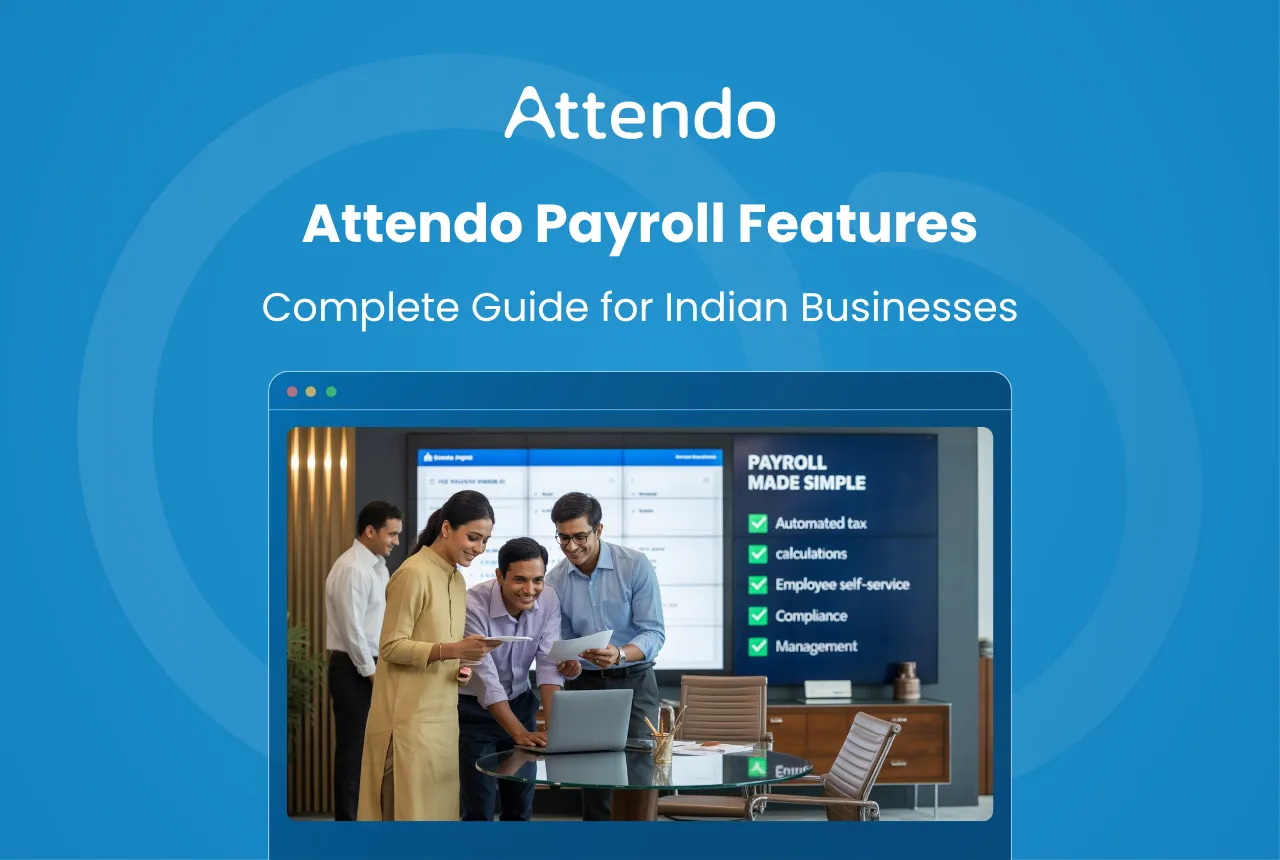
Here’s the reality of payroll management at most Indian businesses: attendance is on one register, leave records sit in an Excel sheet, salary calculations happen in a third tool, and the accountant spends two days stitching it all together. Every month. Sound familiar?
India’s payroll services market is growing at about 7.5% a year (Data Insights Market, 2025). That growth is driven by one simple truth: manual payroll doesn’t scale. With more than 7.8 crore enterprises now registered on Udyam (IBEF, 2026), the demand for a system that actually connects attendance to salary is massive.
Attendo was built to solve this. It connects attendance hardware (biometric devices, face scanners) directly to the payroll software. One system. No stitching. Over 40,000 businesses already run on it.
This guide walks through the Attendo features one by one, how each works, and what it means for your daily operations.
Key Takeaways
- Attendo connects biometric/face scanner hardware directly to payroll software in one system
- Supports four attendance capture methods: biometric, Biometric Pro, face scanner, and geo-tagged mobile app
- Auto-calculates salaries using attendance, leave, overtime, and defined salary structures
- Handles statutory deductions (PF, ESIC, Professional Tax, and LWF) within payroll processing
- Includes WhatsApp reports, salary advances with auto-deductions, and separate mobile apps for owners and employees
Jump to the feature you are looking for:
- Attendance capture
- Shifts and leave management
- Roster planning for larger teams
- Automated salary calculation
- PF, ESIC and tax compliance
- Geo tracking for field staff
- WhatsApp reports and salary advances
- Owner and employee apps
How Does Attendo Track Employee Attendance?
India’s biometric systems market is growing at over 17.57% CAGR and is forecast to keep expanding through 2031 (Bonafide Research, 2026). The reason is simple: businesses need a reliable way to know who showed up, when, and for how long. That’s the foundation of accurate payroll.
Attendo captures attendance through biometric attendance systems that verify identity before recording a punch. No buddy punching. No manual registers.
Businesses can record attendance using:
- Biometric device for fingerprint-based attendance
- Biometric Pro device, which adds NFC card punching and door access control
- Face scanner device for facial recognition attendance
- Mobile app for geo-tagged attendance marking via phone
Once an employee checks in, the system records the exact time. Same when they check out. This data flows directly into payroll processing, so there’s no retyping or cross-checking involved.
| Employee | Date | Check-in | Check-out | Method |
|---|---|---|---|---|
| Rahul | 12 Feb | 09:04 | 18:03 | Fingerprint |
| Meena | 12 Feb | 08:57 | 17:56 | Face scanner |
| Arjun | 12 Feb | 09:11 | 18:15 | Mobile app |
Attendo’s in-house biometric hardware comes with a lifetime warranty, and the device is included in the package rather than bought separately. If it fails, it gets replaced, with no separate maintenance contract.
All three hardware devices sync automatically with the payroll platform, so attendance records are ready by the time you process salaries. For a deeper look at how biometric devices work in practice, see how manufacturing units run attendance and payroll.
How Do Shift Scheduling and Leave Management Work?
Not every employee works the same hours. Morning shifts, evening shifts, rotating rosters. This is the reality at restaurants, factories, and retail stores across India. If your payroll system can’t handle flexible scheduling, you’re stuck doing the math yourself.
Attendo lets administrators define shift schedules and assign employees to them. Attendance is then evaluated against the assigned shift timings. Late arrivals, early departures, overtime: all captured automatically.
The system also handles leave management end-to-end:
- Employees apply for leave through the mobile app
- Managers review and approve requests
- Approved leave is reflected in payroll calculations, with no manual adjustments needed
| Employee | Assigned Shift | Leave Taken | Leave Balance |
|---|---|---|---|
| Rahul | Morning | 2 days | 10 days |
| Meena | General | 1 day | 11 days |
| Arjun | Evening | 3 days | 9 days |
What about employees who work from field locations or client sites? The mobile app supports geo-tagged attendance, so even if someone isn’t at the office, their check-in is recorded with a location stamp. This is particularly useful for businesses in quick commerce, construction, and multi-site operations.
Because shift data and leave records already live in the system, payroll picks up these inputs automatically. No last-minute reconciliation needed.
How Does Roster Planning Work for Larger Teams?
A single shift pattern covers a small office. A factory floor or a hotel running three shifts needs a plan, and building that in a spreadsheet outside the payroll system is where roster mistakes start.
Attendo plans rosters in a spreadsheet view inside the product: employees as rows, dates as columns, filtered by branch and date range, with a full-screen mode for planning a whole month at once. It is built for managers scheduling 50 to 500 people who need the whole picture on one screen.
- Three shift modes: a fixed weekly Default Shift, an Open Shift where the hours are whatever the employee punches, and a Simple Shift for businesses that want one schedule and no complexity
- Bulk shift assignment by department, designation or manual selection, with effective dates that can be back-dated for corrections or set ahead of time
- Fixed break hours so working hours are not inflated on sites where staff do not punch out for breaks
- An overtime buffer, a grace window after shift end before OT starts counting, so a few minutes of overrun does not become a payable hour
The roster exports to Excel, so the plan can be shared with a supervisor who does not log into the dashboard.
How Does Automated Salary Calculation Work?
Most payroll errors are not arithmetic. They come from a number being copied out of one system and typed into another. Automating the salary calculation removes that step, and the errors with it.
Attendo calculates salaries using inputs already stored in the system:
- Attendance records from hardware devices or mobile
- Approved leave entries
- Overtime hours worked
- Salary structure defined for each employee
The formula is straightforward:
Payable Salary = (Days Worked / Total Working Days) x Monthly Salary
Here’s what that looks like in practice:
| Item | Value |
|---|---|
| Monthly Salary | Rs. 40,000 |
| Total Working Days | 30 |
| Days Present | 27 |
| Payable Salary | (27 / 30) x 40,000 = Rs. 36,000 |
Because attendance data is already captured through biometric or mobile check-ins, there’s no manual hour-counting. This cuts down errors and makes monthly payroll processing far quicker. Want to understand the full calculation process? Our guide on how to calculate payroll for small businesses walks through every step.
How Does Attendo Handle PF, ESIC, and Tax Compliance?
Getting statutory deductions wrong isn’t just an accounting headache. Employers who delay PF contributions face 12% annual interest under Section 7Q, plus damages of 1% for every month of default. EPFO moved to that flat rate in June 2024, replacing the old 5% to 25% slab, and removed the 25% ceiling at the same time, so a long default is no longer capped (EPFO).
Attendo lets you configure these deductions during payroll setup. Once set, they’re automatically applied every pay cycle:
- Provident Fund (PF) for mandatory retirement savings for eligible employees
- Employee State Insurance (ESIC) for health and social security benefits
- Professional Tax, a state-level tax applicable in certain states
- Labour Welfare Fund (LWF), contributions required in select states
What makes this useful is that PF and ESIC calculations are based on the same attendance and salary data already in the system. There’s no separate compliance module to manage. The payroll output reflects compliant deductions from day one.
Here is an example for an employee inside the ESI wage ceiling of Rs. 21,000 a month, where both PF and ESI apply:
| Component | Amount |
|---|---|
| Basic Salary | Rs. 12,000 |
| Allowances | Rs. 6,000 |
| PF Deduction (12% of basic) | Rs. 1,440 |
| ESI Deduction (0.75% of gross) | Rs. 135 |
| Net Pay | Rs. 16,425 |
Maintaining these structured records also makes life easier when it’s time for audits or regulatory inspections.
Can You Track Field Staff with Geo Tracking?
Attendance answers whether someone started work. For a sales team covering accounts, a delivery fleet or a service crew at customer sites, the day itself is mobile, and the useful question is where the day actually went.
Geo Tracking, sold as the Live Tracking add-on, records the route an employee takes through the day, the distance covered in kilometres, the last location ping with its timestamp, and a real-time view of where each field employee is now.
Two things are worth knowing before you ask for it. It is the one paid add-on outside the package. Everything else described on this page is included. And it cannot run alongside Auto Punch-Out on the same branch: a branch either punches people out automatically when they leave the geofence, or it tracks the full day’s route. Not both.
For staff who work out of an office or a branch, regular attendance with geofencing on the Employee App already covers it. Live Tracking earns its fee only when the job is on the move.
How Do WhatsApp Reports and Salary Advances Work?
Two features that matter more in day-to-day operations than they get credit for: WhatsApp-based reporting and salary advance management. Both are built into Attendo.
WhatsApp Reports
India had roughly 853.8 million WhatsApp users in 2024 (World Population Review, 2024), and for most SME owners, it’s the primary business communication tool. Attendo uses this by pushing daily attendance summaries and alerts to the owner’s WhatsApp number.
No need to log into a dashboard to check daily numbers. The report lands on your phone, in the app you already use. For multi-outlet owners managing 3-4 locations, this saves a surprising amount of time.
Salary Advances with Auto-Deductions
Employees asking for salary advances is common, especially in hospitality and manufacturing. The tricky part isn’t giving the advance. It’s tracking the repayment.
Attendo lets administrators record salary advances and then automatically deducts the repayment amount from upcoming salary cycles. No separate spreadsheet, no manual adjustment, no forgotten deductions.
This feature is particularly valuable in the restaurant and hospitality sector, where salary advance requests are frequent and manual tracking often leads to disputes or missed deductions at month-end.
What Tools Do Owners and Employees Get?
Payroll doesn’t end at salary calculation. People need access to information. Owners want summaries, employees want payslips. Attendo handles this through three access points, plus WhatsApp integration.
Web Dashboard
This is the main control panel. Administrators use it to:
- Add and manage employee profiles
- Define salary structures and payroll components
- Review attendance records before processing payroll
- Run monthly payroll calculations
- Generate payslips and payroll reports
Reports can be exported for accounting systems. Payslips can be shared directly with employees.
Owner Mobile App
Business owners don’t always sit at a desk. The owner app lets them:
- Review daily attendance summaries
- Monitor employee check-in activity across locations
- Get notifications for attendance or payroll updates
- Receive daily attendance summaries on WhatsApp
Employee Mobile App
Employees get their own app to:
- Check attendance records and calendar
- View salary payslips
- Apply for leave requests
- Track salary advance balances and repayment schedules
The employee app tends to be the part staff notice first, because it cuts out the “please send my payslip” requests that HR teams deal with dozens of times each month.
This three-layer structure means everyone gets what they need without overloading any single tool. For a comparison of how Attendo stacks up against alternatives, check out our Attendo vs SalaryBox breakdown.
Conclusion: Is Attendo Right for Your Business?
If your business still runs attendance on one system, leave on another, and salary on a third, you’re spending hours every month just connecting the dots. That’s time you could spend running the business.
Attendo puts attendance hardware, shift management, salary calculation, statutory compliance, WhatsApp reporting, salary advances, and employee access into one platform. Over 40,000 businesses across India already use it, from restaurants and retail chains to manufacturing units and corporate offices.
The full feature set is at attendohr.com.
Frequently Asked Questions
What features does Attendo include?
Does Attendo support biometric attendance?
Can employees view their payslips in Attendo?
Does Attendo handle statutory deductions like PF and ESIC?
Can payroll reports be exported from Attendo?
How does the salary advance feature work?
Related Articles You May Like
What a Day of Leave Without Pay Actually Costs
Leave without pay does more than dock a day’s salary. It reaches your provident fund, your ESI, the service behind a gratuity payment and the balance you build for the year ahead.
Ashwiniba Vaghela
HR & Payroll Experts
How to Complete the ESI Registration Process in 8 Steps
Registration is online, real time, and needs no paper at all. The state that wants 20 workers where its neighbour wants 10, what the C-11 letter proves, and why the amnesty no longer helps.
Ashwiniba Vaghela
HR & Payroll Experts
Expected CTC: 7 Ready-to-Use Answers for Your Next Interview
The question asks what you would cost, not what you would receive. Seven lines to use in an interview, the reasoning that backs each of them, and why the law measures a different figure from the one in an offer.
Avani Joshi
HR & Payroll Experts
How the ESIC Claim Process Works for Employees
One form per benefit, one office, and a three-day rule on medical certificates that quietly costs people money. What each claim pays, and how fast ESIC has to pay it.
Avani Joshi
HR & Payroll Experts