
Payroll That
Runs Itself
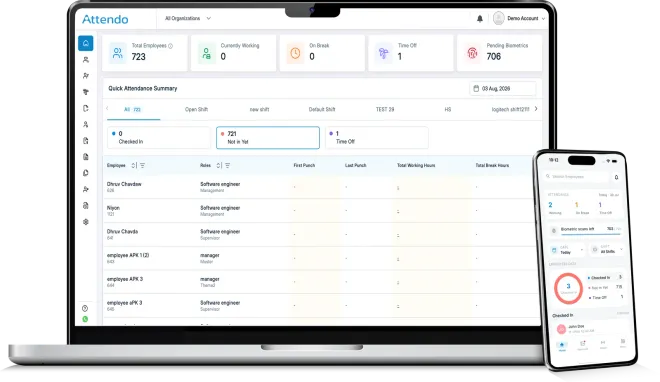
A complete hardware plus software system that helps you manage attendance, salaries, leaves, shifts, & more.
Businesses











Is This How Your
Payroll Runs Today?
If two or three of these feel familiar, they are quietly costing you every month.

Biometric device installed, attendance still entered manually
Advances and deductions tracked in separate notebooks
Salary errors found only after payslips go out
"Sir, please adjust this" every month-end, every employee
Half the team's hours live in WhatsApp chat
Already comparing payroll tools? The comparison hub sets Attendo and the alternatives side by side.
From Punch To Payslip,
Fully Automated
Five simple steps. Zero manual efforts.
Punch
Sync
Process
Calculate
Deliver
Everything Your Payroll Needs
In One Place
Attendance Management
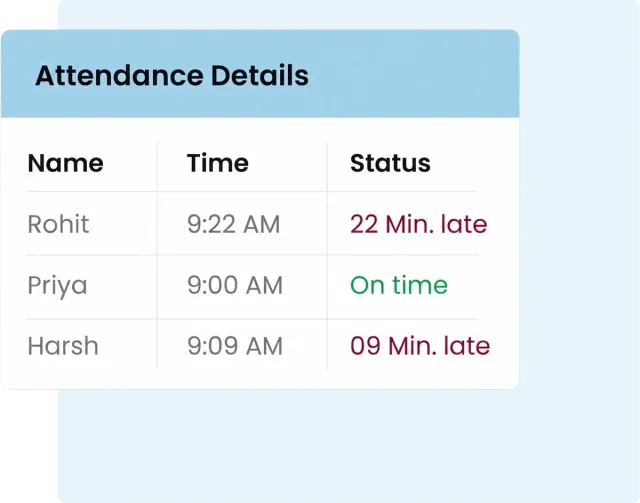
Capture attendance through biometric devices that sync to the cloud in real time. The data flows directly into shifts, hours, overtime, and salary, no manual entry required.
Explore Time & Attendance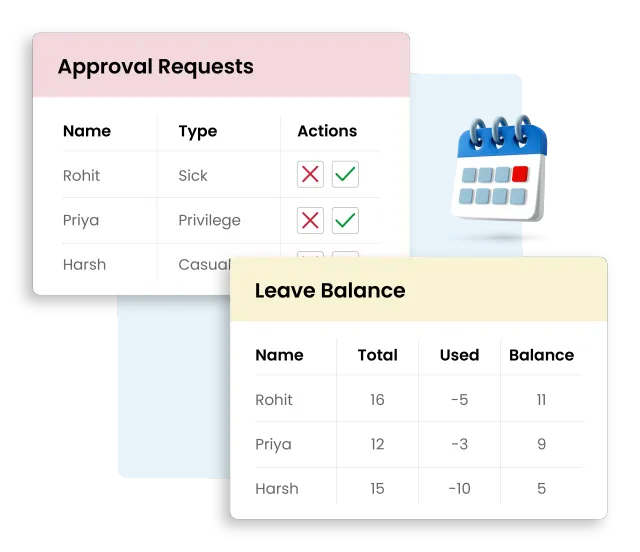
Leave Management
Approve leave requests from a single dashboard while employees apply through the mobile app. Balances update automatically, and deductions reflect in the same month's salary.
Explore Leave & Holidays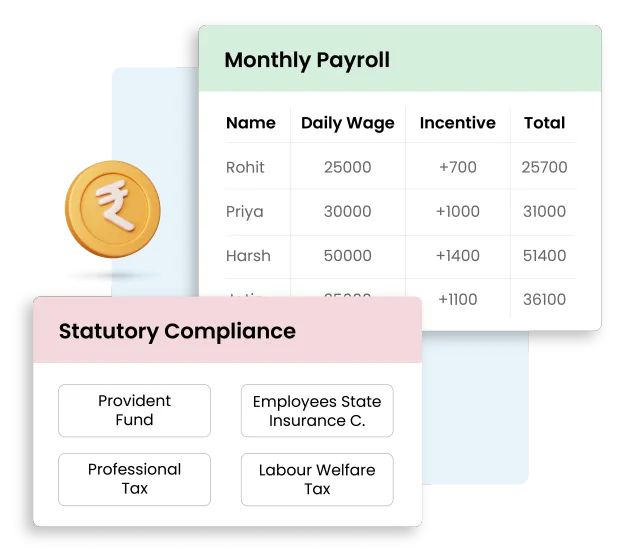
Salary Management
Calculate salaries as attendance and leave data come in. Apply PF, ESIC, PT, LWF and other compliance rules automatically. Release approved payslips in one click.
Explore Payroll & Payout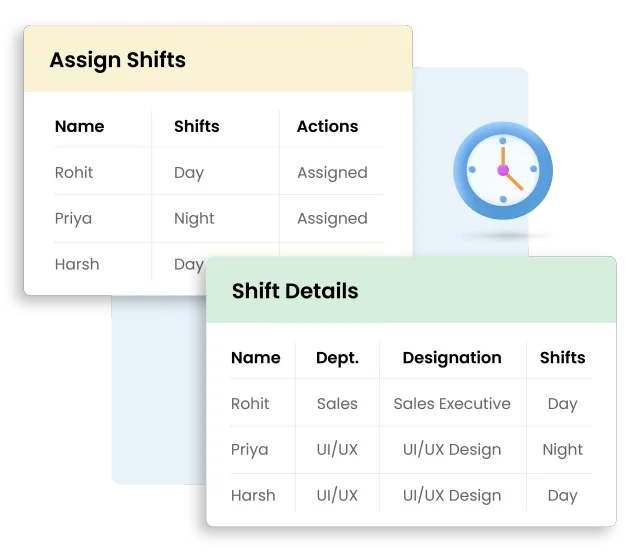
Shift Management
Build shifts that match how your business actually runs. Assign by role, department, or location. Handle overnight, split, and rotating schedules without the spreadsheet hassle.
Explore Shifts & Roster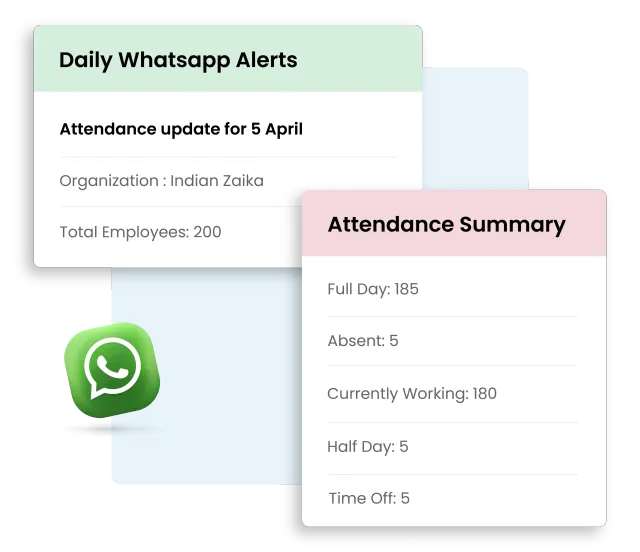
WhatsApp Alerts
Get daily attendance summaries with other details straight on WhatsApp. Skip the calls, skip the follow-ups.
Explore WhatsApp Updates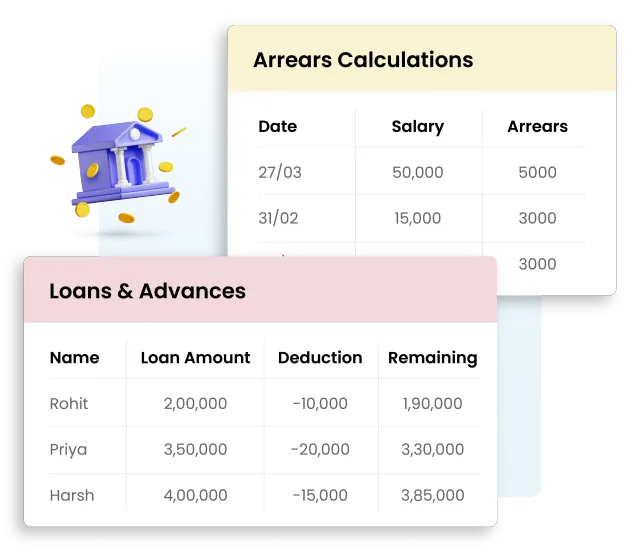
Loans & Advance Management
Record advances as you give them. Deduct fixed installments every month. Everything tracked in one place - nothing slips through.
Explore Advances & DeductionsChoose a Device
That Fits Your Business
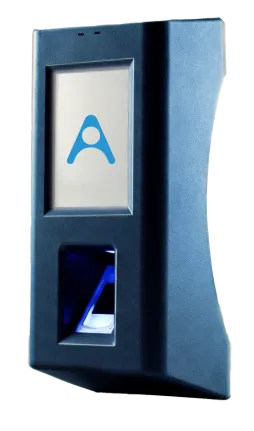
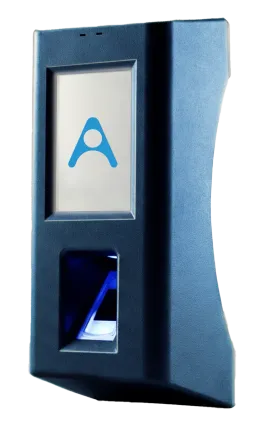
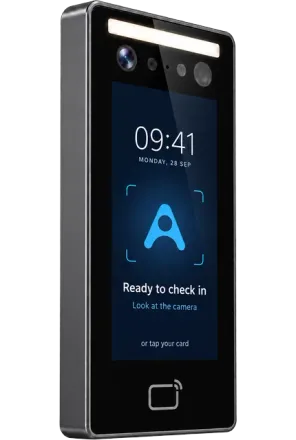
Not just a biometric machine, it's the entry point of your entire payroll. A factory floor and a salon chair do not work the same way, so the rules are set differently for each industry.
Built For Both Sides
For Owner

For Employee

Questions Most Owners
Ask First
How quickly does attendance data sync from the device to the system?
Can the system handle overnight shifts, split shifts, and rotating schedules?
How does the system handle statutory deductions like PF, ESIC, and PT?
How do I get started with Attendo?
- Book a free demo - Our team member walks you through the system live and answers your questions.
- Get installed - Our team handles on-site device installation, system setup, and training - end to end.
- Add your team - Employee profiles, shifts, and salary rules are configured before you go live. If you feel confused, our team is a call away to help you in every step of the process.
- Go live - Attendance starts capturing, data syncs, and payroll begins calculating on day one.
Stop running payroll.
Start running the business.
Book a Free Demo
10 minutes. No commitment. We'll show you Attendo on your own workflows.