

5 Steps to UAN Activation, Now Only on the UMANG App
UAN activation has moved to the UMANG app and a face scan against your Aadhaar. Here are the 5 steps, and what to do when it fails.
Listen to this article
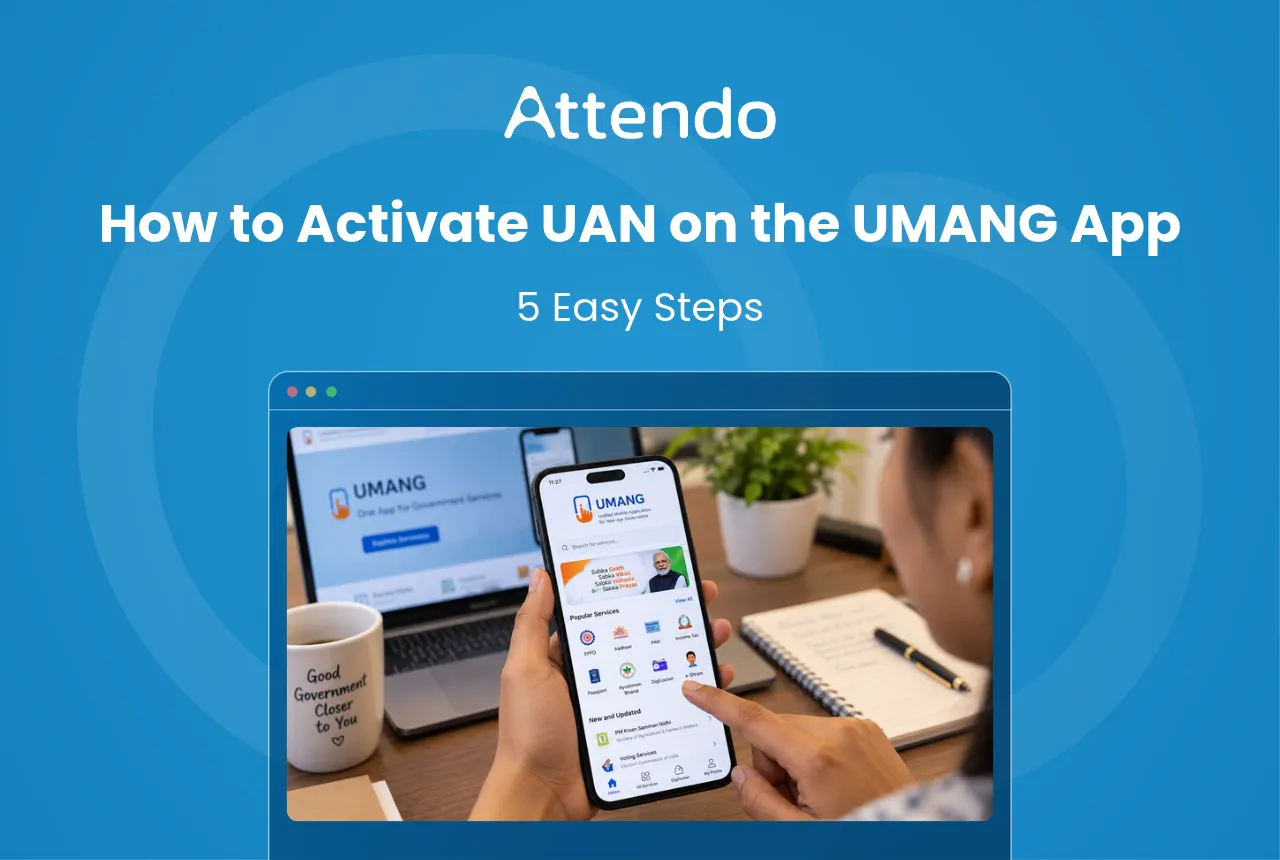
You have a Universal Account Number (UAN) from your employer, but you cannot log in to see your provident fund (PF). How do you activate your UAN today?
UAN activation now happens only in the Unified Mobile Application for New-age Governance (UMANG) app, using Aadhaar face authentication. The Employees’ Provident Fund Organisation (EPFO) has stopped activations on its member portal, so the old portal method no longer works.
I was surprised to learn that in 2024-25, only 44.68 lakh of the 1.26 crore new UANs, about one in three, were activated by their owners, according to the Ministry of Labour and Employment. If yours is not active, you are far from alone.
Key Takeaways
- UAN activation has one route now: UMANG. You scan your face against your Aadhaar photo; the member portal has stopped activating UANs.
- Keep four things ready. Your UAN, Aadhaar, the phone on your Aadhaar record, and a handset with UMANG and AadhaarFaceRD installed.
- Three common problems can stop it. A phone that is not on your Aadhaar record, details that differ from Aadhaar, or a face scan that does not complete.
- HR and owners have a part too. The Employment Linked Incentive (ELI) scheme pays first-timers only with a face-authenticated UAN.
Latest Update on EPFO
The member portal no longer activates UANs and sends members to the UMANG app instead. Since 1 August 2025, new UANs are also made on UMANG, apart from a few exceptional cases. For help, the portal lists the EPFO helpdesk on 14470.
What Is UAN Activation?
UAN activation is the one-time step that links your UAN to you, so you can use EPFO’s online services yourself. Once it is done, you can view your passbook, update your Know Your Customer (KYC) details and file claims.
Many people skip this step, as the chart below shows.
In Simple Words
Your UAN is your PF account number. Activating it lets you open your own account. You do it once, on your phone.
What You Need Before UAN Activation
Keep these ready before you start, so the process does not stop halfway:
- Your UAN. Keep it handy to check your passbook once it is active. It is on your salary slip, or you can ask HR. If you have lost it, use the Know Your UAN option on the member portal.
- Your Aadhaar number. UMANG checks you against your Aadhaar record.
- The mobile number linked to your Aadhaar. The one-time password (OTP) goes only to this number.
- A phone with a working front camera. Install UMANG from the Play Store or App Store, and the AadhaarFaceRD app, which runs the face scan. EPFO’s steps name the Play Store for AadhaarFaceRD, so an Android phone is the safest choice.
5 Steps for UAN Activation on UMANG
These steps follow EPFO’s published face authentication process on UMANG:
- Install both apps. EPFO’s steps need UMANG and the AadhaarFaceRD app on the same phone, both on Google Play.
- Find the service. Open UMANG, select EPFO Services, then UAN Services Through Face Auth, and choose the UAN Activation option.
- Enter your details. Type your Aadhaar number and your Aadhaar-registered mobile, then tick the consent box.
- Enter the OTP. It comes by SMS to that mobile.
- Scan your face. When the outline around your face turns from red to green, the photo is taken and matched with your Aadhaar.
After a successful match, your UAN is active, and EPFO services such as the passbook, KYC updates and claims open up for you.
No UAN Yet?
If you are starting your first job, choose the UAN Allotment and Activation option in the same UMANG section instead. It creates a new UAN and activates it in one go, and you can download your e-UAN card to give to HR.
3 Reasons UAN Activation Fails
When UMANG will not complete the activation, check these three first:
- Your mobile is not registered with Aadhaar. The app checks the number you type against the one Aadhaar holds. Update it at an Aadhaar centre, then try again.
- Your details differ from Aadhaar. A name or date of birth in EPFO’s records that differs from Aadhaar may stop the match. Ask HR how to get the EPFO record corrected.
- The face scan does not finish. Retry in good light with your face fully visible. If it still fails, call the EPFO helpdesk listed on the member portal.
Once activated, the same UAN stays with you when you change jobs, so give it to each new employer instead of making a new one.
For employers, that means keeping each person’s UAN on file from day one.
Attendo (formerly Petpooja Payroll) is a complete workforce management system for every kind of business, running attendance, shifts, leaves, payroll and statutory filings in one place. Attendo has more than 40,000 users today. It is Software By Petpooja, building helpful products for Indian businesses since 2011.
UAN Activation for HR and Owners
For HR and owners, the move to face authentication changes joining day. Since 1 August 2025, under an EPFO circular dated 30 July 2025, new UANs must be generated through Aadhaar face authentication on the UMANG app. Only exceptional cases, such as international employees, still go through the employer.
The ELI scheme makes this matter for money too. A first-time employee qualifies for the incentive only with a UAN verified by a face scan, as the ELI scheme note sets out.
Pro Tip
I’d suggest adding one line to the joining checklist: the new employee shares the e-UAN card from UMANG on day one. It saves chasing the UAN at the first payroll run.
The e-UAN card step helps most where many people join at once, such as a factory hiring for a new shift, a hospital onboarding nurses, a retail chain staffing for the festive season, or an IT services firm onboarding a new batch.
Once the UAN is in place, PF goes into the monthly return. The PF online payment guide covers the Electronic Challan cum Return (ECR) filing that follows.
Where Attendo Fits
A missing or unactivated UAN usually surfaces at the worst time: when a claim or a scheme payment is held up.
Attendo keeps each employee’s UAN on their record and calculates PF automatically in every payroll run.
HR can also verify each employee’s Aadhaar in Attendo, by PDF upload or QR scan.
If you want PF and UAN details kept in one place, attendo shows how it works.
So, How Do You Activate Your UAN?
Open the UMANG app, choose UAN Activation under the face authentication services, enter your details, and finish the face scan. The member portal does not do it any more.
If it fails, check your Aadhaar-registered phone and your details first, then call the EPFO helpdesk.
For employers who want UAN and PF records in one place, see how Attendo handles them.
Frequently Asked Questions
1. Can I do UAN activation on the EPFO portal?
2. Can I activate my UAN without the mobile number linked to Aadhaar?
3. Is UAN activation mandatory?
4. Do I need a new UAN when I change jobs?
5. How do I find my UAN if I have lost it?
6. How long does UAN activation take?
Listen to this article
Related Articles You May Like
Relieving Letter vs Experience Letter: Definition and Difference
What each document is, and why only the experience letter can be demanded, and only from a larger employer. A relieving letter rests on company practice alone.
Ashwiniba Vaghela
HR & Payroll Experts
What the Law Says About the Weekly Off, and When It Is Paid
A weekly off sounds simple until payroll asks what it costs. The six-day limit is national. The day itself, and the pay, turn on whether central or state rules reach you.
Ashwiniba Vaghela
HR & Payroll Experts
What the Gratuity Act Means for Employers in 2026
The five-year rule survived 21 November 2025. What moved was the amount each year is worth, and the shorter qualifying period that fixed-term staff now get.
Ashwiniba Vaghela
HR & Payroll Experts
How to Make a PF Online Payment Under the New ECR
Filing and paying are no longer one action. From wage month September 2025 the return goes up first and the money follows. Here is what to do on the employer portal, and how to correct a return you have already sent.
Ashwiniba Vaghela
HR & Payroll Experts